

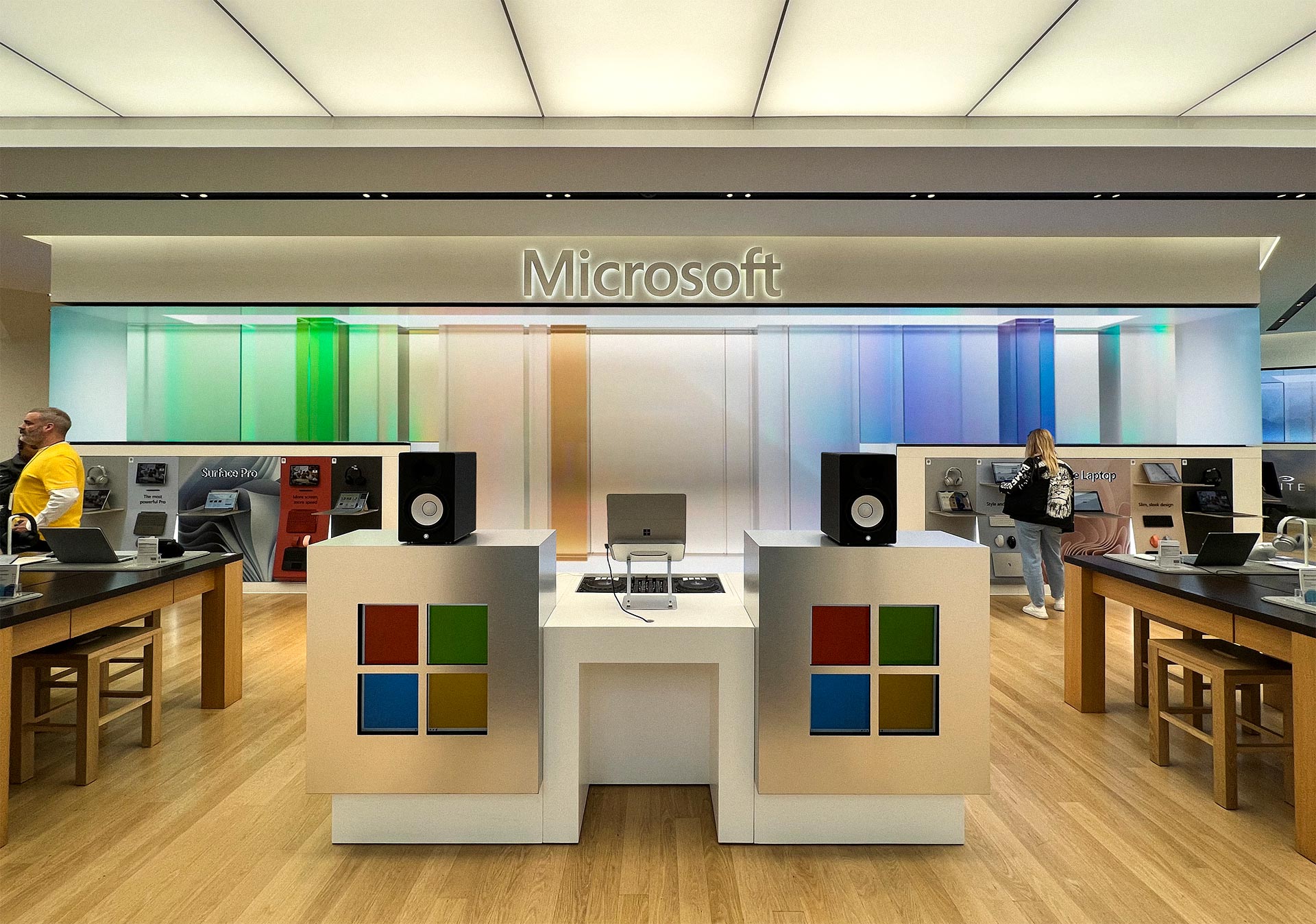
When customers walk into a Microsoft Experience Center in New York City, Sydney or London, they’re instantly met with stunning graphics displayed on multiple screens and high-definition video walls inside a multi-story building.
Built to showcase the latest technologies, Microsoft Experience Centers surround customers with vibrant, immersive graphics as they explore new products, watch technical demos, get hands-on experience with the latest solutions and learn more about Microsoft.
To create these engaging visual experiences in real time and on a scalable level, Microsoft sought a solution that would allow it to power high-quality graphics spanning large multi-display walls — without any gaps, artifacts or misalignment in the visuals.
It was also important that the software allowed for simplicity when managing and monitoring the display environments. Microsoft chose NVIDIA RTX A6000 GPUs, along with NVIDIA Mosaic and Quadro Sync technology, which provided support for the demanding visualizations across displays and enabled viewers to see everything as one unified visual.
Putting High-Quality Graphics on Full Display
The display walls in Microsoft Experience Centers feature many detailed visuals and scenes that require powerful graphics-computing performance. The HD walls display changing, detailed renders of various Microsoft products. These graphics are created with custom camera angles and fly-throughs.
Once the visuals were created, the team had to synchronize the graphics and ensure the systems were appearing in unison. In each Microsoft Experience Center, the team uses a visualization cluster of up to six systems, with a pair of RTX A6000 GPUs in each. Unreal Engine with nDisplay technology was used to make the Microsoft Video Player work in a cluster setting.

“NVIDIA RTX A6000 GPUs provide the smooth and powerful performance that is required to run high-quality visuals across a large number of displays,” said Chris Haklitch, principal PM lead at Microsoft. “The enterprise reliability and support NVIDIA provides, along with the software and hardware only available with professional RTX GPUs, helped make our vision possible.”
With NVIDIA Mosaic multi-display technology, Microsoft can treat multiple displays as a single desktop, without application software changes or visual artifacts. This enabled the walls of HD displays to be shown as a single unified visual.
NVIDIA Quadro Sync II is a key technology that enables all displays to appear as a single continuous image. Designed for flexibility and scalability, Quadro Sync helps connect and synchronize the NVIDIA RTX GPUs to its attached displays.
Microsoft also used an NVIDIA Enterprise Management Toolkit called NVWMI, which lets IT administrators create scripts and programs for many administrative tasks and functions. With NVWMI, Microsoft can remotely monitor the GPU-powered display environments, ensuring simple access to adjust display settings. Microsoft also used NVWMI to monitor the GPU thermals and performance to meet the demands of ongoing store operation.
NVIDIA Mosaic, Quadro Sync and NVWMI are professional software features that are only available with NVIDIA RTX professional GPUs.
Learn more about NVIDIA RTX professional solutions for deploying scalable visualizations.
The post Microsoft Experience Centers Display Scalable, Real-Time Graphics With NVIDIA RTX and Mosaic Technology appeared first on NVIDIA Blog.